chronion
Chronion
Chronion is a minimal time tracker for macOS. Track time across multiple categories, make manual adjustments, and review your sessions — all synced automatically via iCloud.
Getting Started
When you first open Chronion, you’ll be prompted to add your first timer category. Type a name and click Save, or click Skip to start without one.
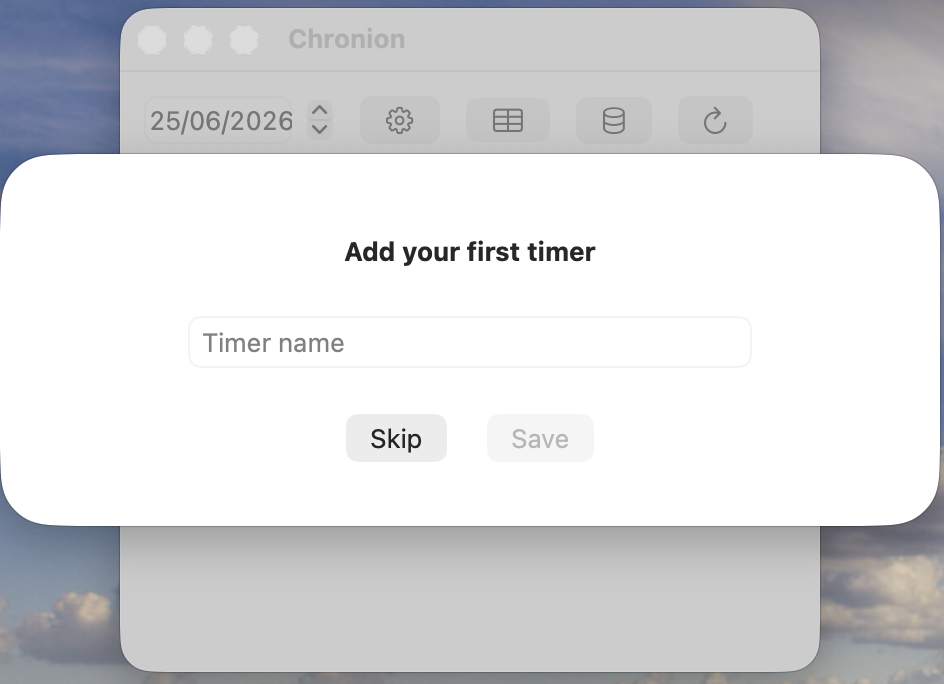
You can add and manage categories at any time via the Change Categories screen.
Tracking Time
The main window shows all your active categories for the selected day. Each row displays the category name, the total tracked time for that day, and two controls:
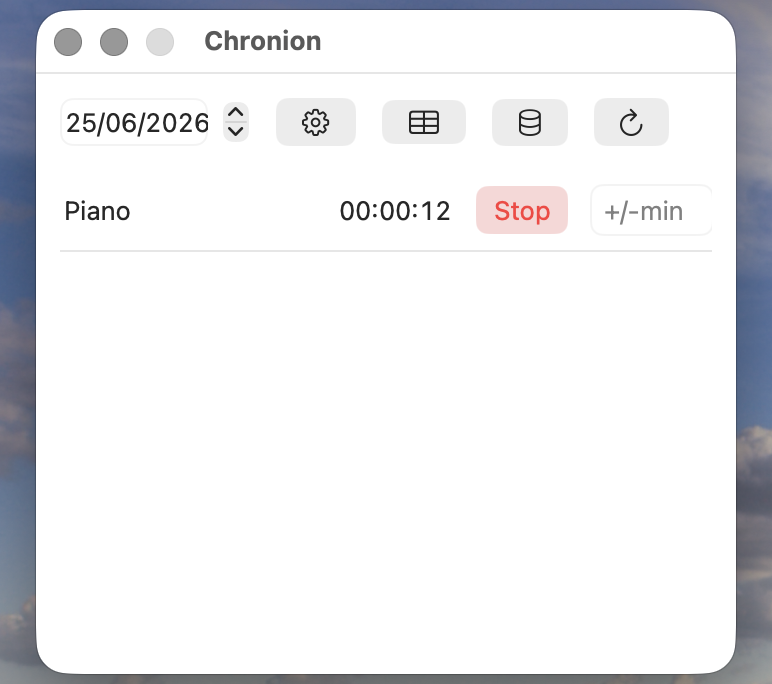
- Start / Stop — click Start (green) to begin tracking. The button turns red and shows Stop while the timer is running.
- +/- min — enter a positive number to add minutes, or a negative number to subtract them. Press Return to apply. This is useful when you forgot to start the timer, or tracked too much.
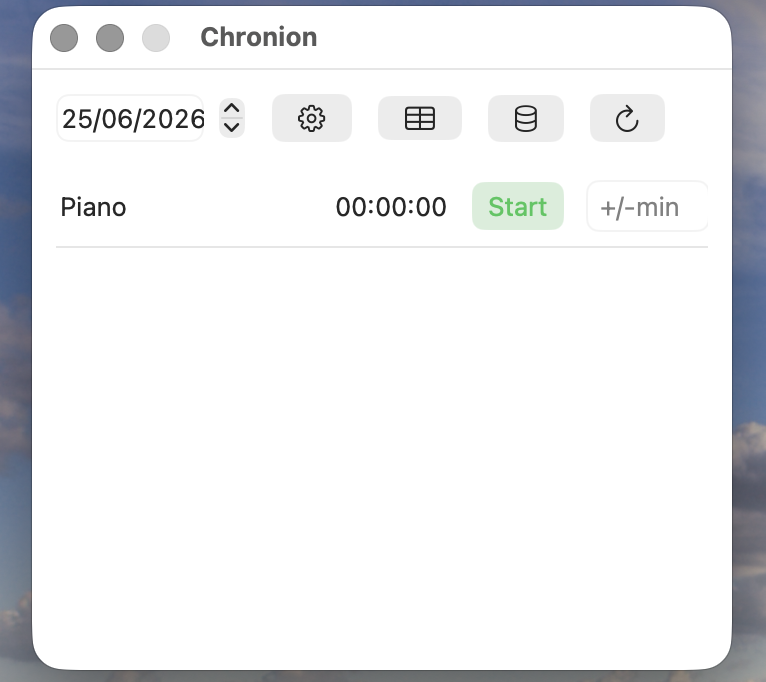
For running timers the button changes from Start to Stop
You can minutes if you forgot to start the timer.
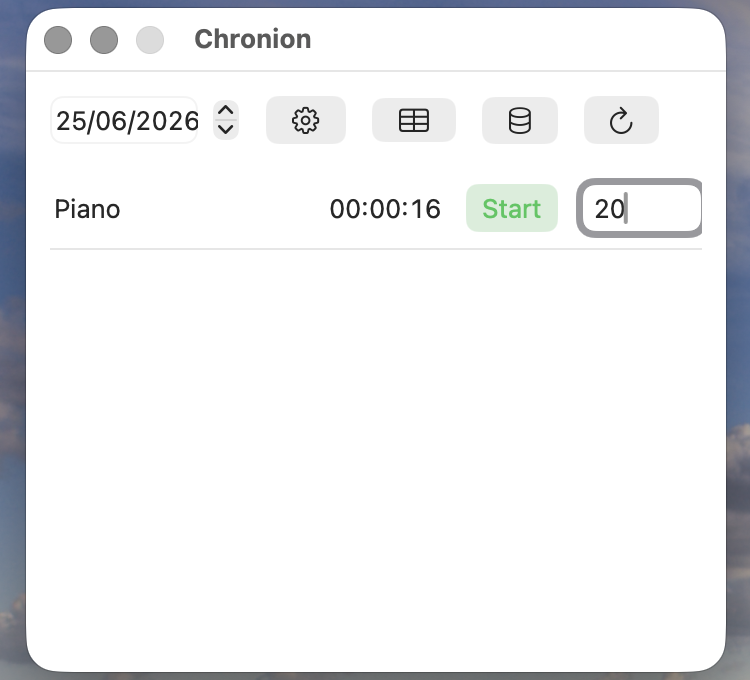
And you can substract minutes if you forgot to stop it.
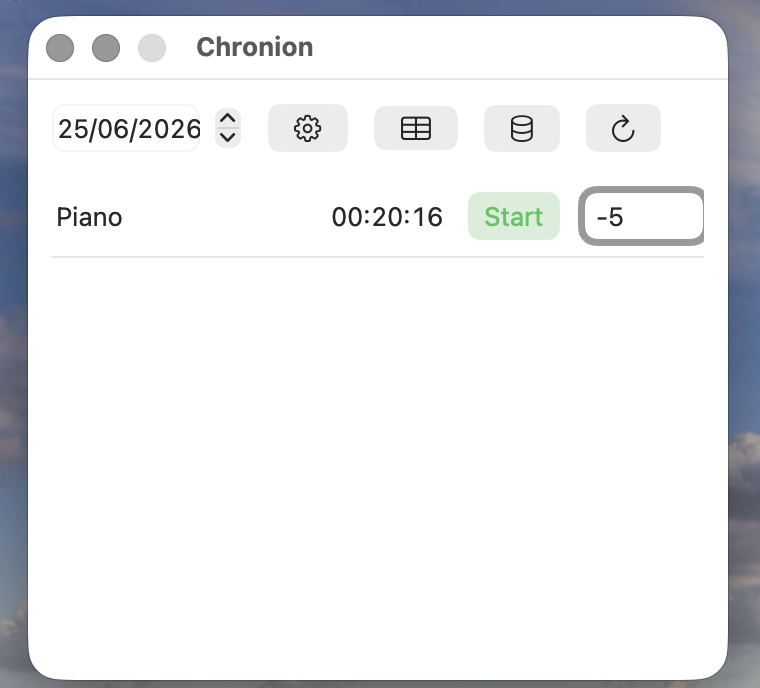
Use the date stepper in the top-left corner to navigate to any previous day and review or adjust its data.
Session Detail
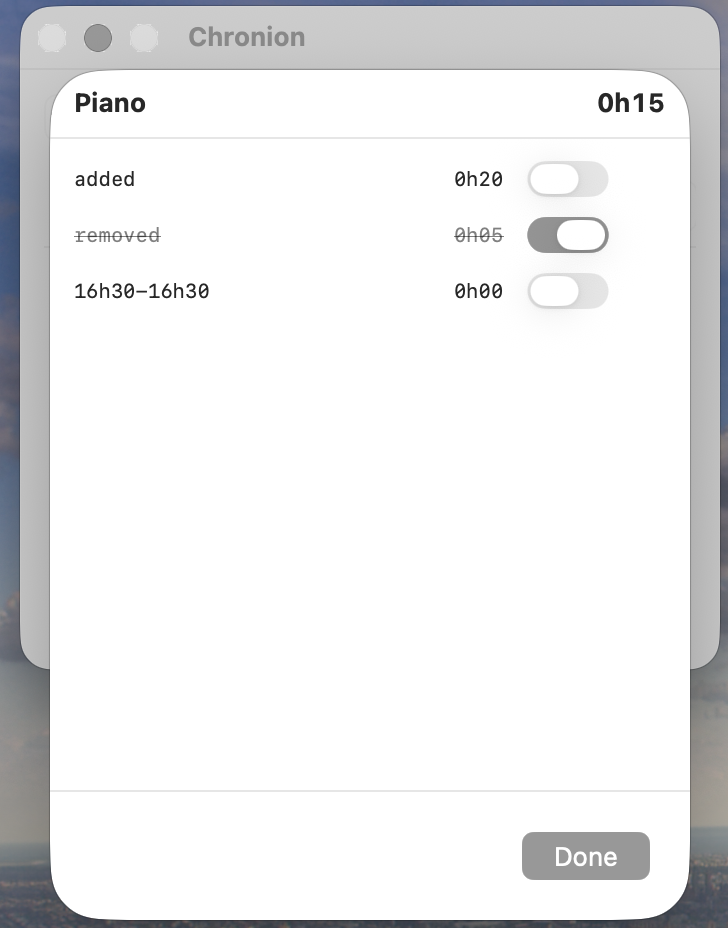
Click on a category row to open the session detail view. It shows each individual session for that day — tracked sessions with their time range, manually added time, and manual removals — along with the net total at the top.
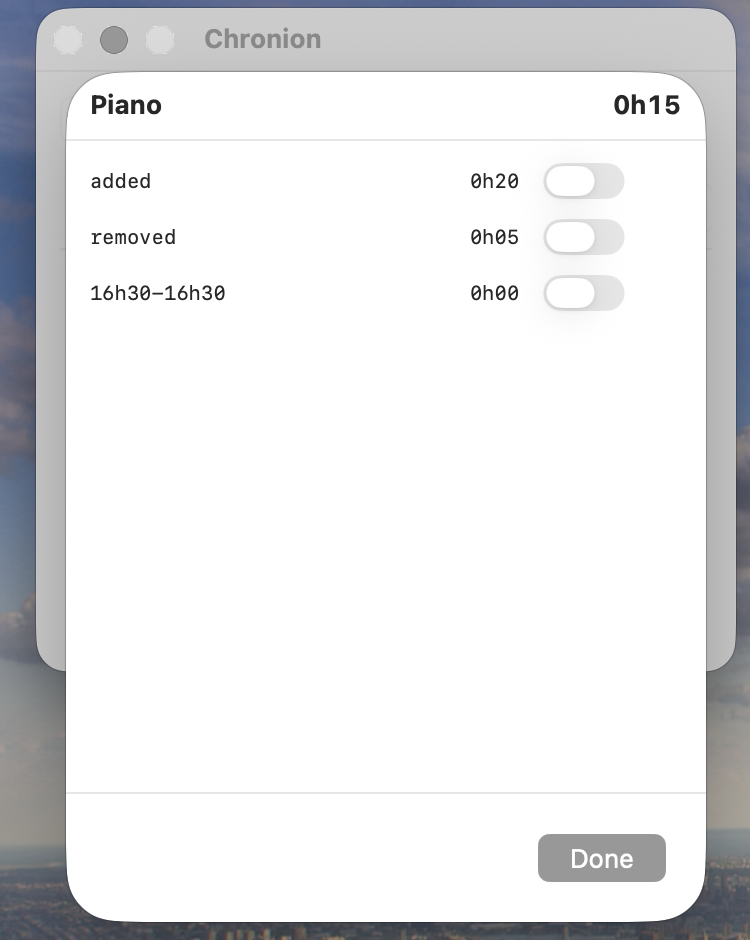
You can invalidate any session by toggling it on. Invalidated sessions are shown with a strikethrough and excluded from the total. Toggle them back off to restore them.
Managing Categories
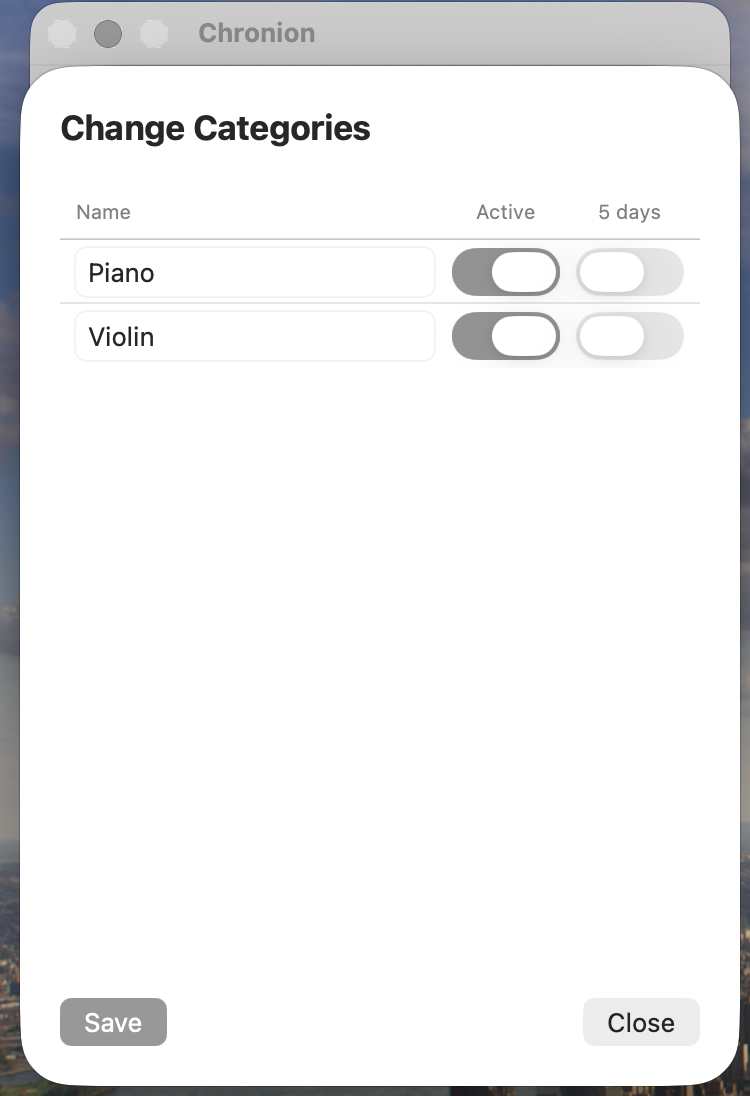
Open Change Categories via the gear icon in the toolbar. Here you can:
- Rename a category by editing its name field
- Activate / deactivate a category with the Active toggle — inactive categories are hidden from the main view
- 5 days toggle — when enabled, weekly averages in the stats view divide by 5 instead of 7 (useful for work-day categories)
- Reorder categories by dragging rows
Click Save to apply your changes.
Toolbar
| Icon | Action |
|---|---|
| Date stepper | Navigate between days |
| Gear | Change Categories |
| Grid | Weekly statistics |
| Database | iCloud sync status |
| Refresh | Reload data |
iCloud Sync
Chronion syncs all sessions and categories via iCloud automatically. An internet connection is not required to track time — changes sync once connectivity is restored.
Support
Found a bug or have a suggestion? Open an issue on GitHub.